Resume builder
Put your experience in the best light. Build a resume with a live preview, flexible sections and a design that feels like you.
Create my resume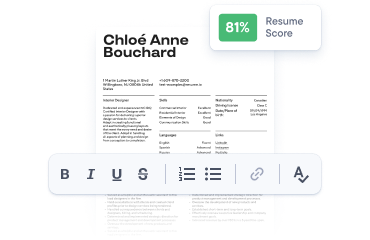
Your next opportunity starts with a great resume.

A little structure. A lot more confidence.
Eight distinct layouts you can make your own.
Preview, download and take the next step.
Browser drafts and private backups.
Your next move, closer to home
Recent opportunities from different employer career sites. Find your fit and apply at the source.
A little support for every stage of your next move.
Put your experience in the best light. Build a resume with a live preview, flexible sections and a design that feels like you.
Create my resumeA fresh perspective makes a difference. See what works in your resume and find practical ways to make your next draft stronger.
Check my resume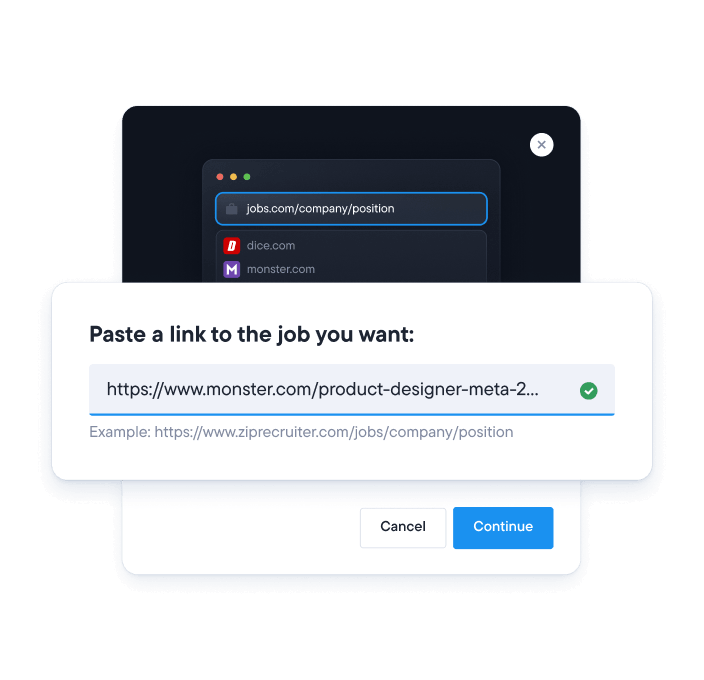
For where you are. And where you’re going.
Made for a great first impression
Choose your look. Make it yours. Download and take the next step.
A deep sidebar for your skills, with a spacious career story alongside.
Traditional serif typography, a centered nameplate and crisp section rules.
Quiet typography and a dedicated label column give every section room.
A precise career timeline with dates in the margin and clear milestones.
An oversized masthead, a personal monogram and a bright portfolio layout.
Sophisticated serif headlines with a soft right-hand qualifications panel.
A dark, full-width nameplate and a separate column for credentials.
Monospace details, numbered sections and compact skill tags.
Illustrative sample content. Your new resume starts with your own details.
The right tools make your experience easier to put into words.
Build your resume one section at a time. Add what matters, move things around and see the whole story come together.
Create my resume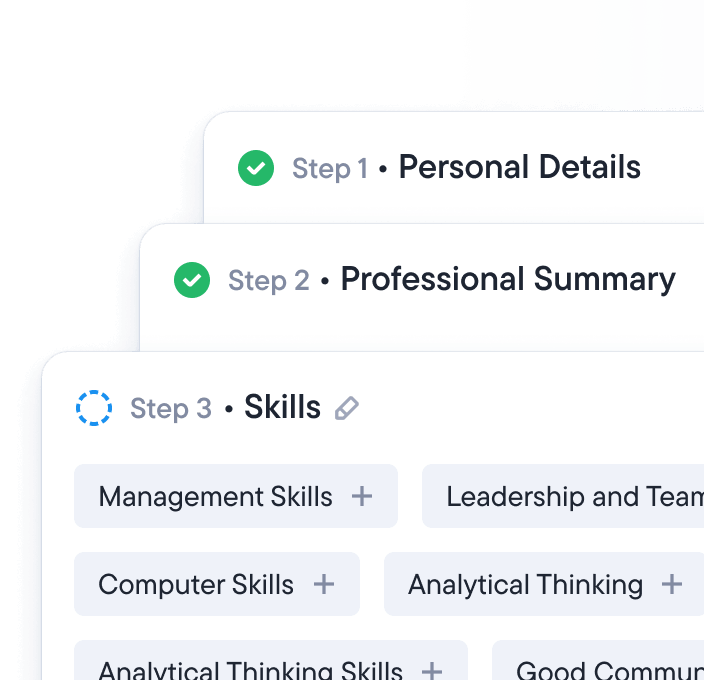
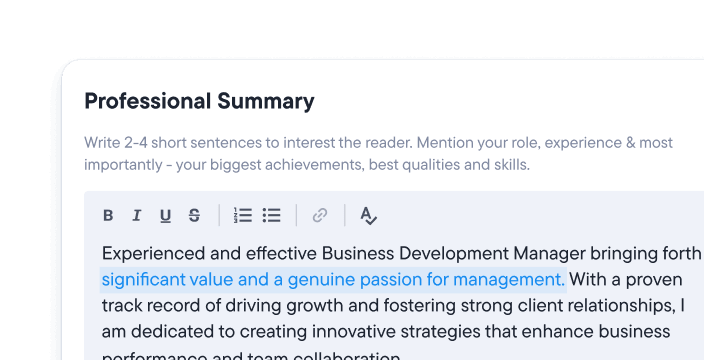
Use guided writing ideas to get started, then shape every line around your own experience.
 Explore writing guidance
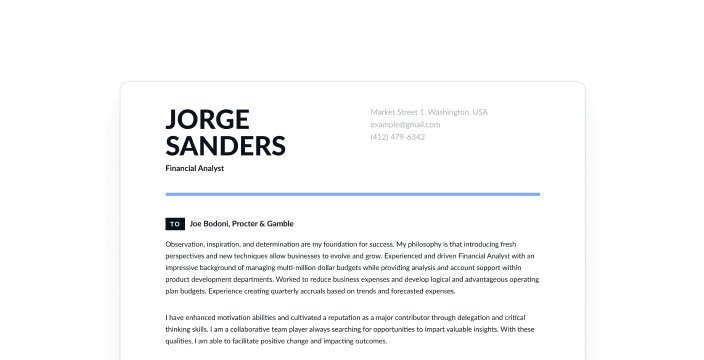
 Connect the dots between your experience and the opportunity with a thoughtful cover letter.
 Write my cover letter
 Add a job description to the checker, review the feedback and focus your next edit on what matters.
Check my resume Keep your documents, applications and next steps in a workspace you can return to.
Open my workspaceA little inspiration goes a long way
Explore a few illustrative starting points. Your strongest resume is the one that tells your own story.
Start with this design Examples are fictional. New documents start blank.Useful tools, thoughtful details, and room to make it yours.
Keep your facts and your voice. Use the layout and writing prompts to present the experience you actually bring.
Start my resumeEvery edit appears in the live preview. Try a new style, move a section and find a presentation that feels right.
Explore the templatesSave browser drafts as you work, then download documents and editable backups for the next step in your application.
Understand browser storageChoose Create my resume to open the editor. Add your contact details, experience, education and skills, then choose a template. Preview each change as you go and download a copy when you’re ready.
Choose a layout that makes your own experience easy to follow. You can explore eight styles, change colors and adjust spacing in the editor. Switching a template keeps your content.
Yes. Choose Upload my resume to open the import workspace. The main app supports PDF, DOCX, TXT and JSON backups when the document service is available. The browser workspace edition supports JSON backups. Review dates and sections after importing.
The checker offers Basic, ATS and Expert modes, with feedback on the criteria available for your document. You can add a job description to compare it with your experience. The result is a writing aid, not a guarantee of an employer’s decision.
Yes. The cover letter workspace guides you through your details, the recipient, the opportunity and your letter. Choose a style and preview your introduction as you write.
You can start without an account. Your resumes, cover letters and job applications save in this browser. When account services are connected, a free account adds a private cloud backup slot. Explore Pricing for Plus and Pro access passes, regional currencies and payment availability.
The resume editor offers PDF printing, DOCX, TXT and editable JSON backups. Processing downloads depend on document service availability. Print / Save PDF keeps the design you see in the live preview.
Yes. Duplicate your resume to create a separate version. Update the experience, skills and wording that matter for the next role, while keeping the original in your browser workspace.
Your drafts stay in this browser on this device. Download a JSON backup before clearing browser data or switching devices. Manage your documents in My workspace and read more in Privacy and data controls.
Your next chapter starts here
A great resume is only the beginning.